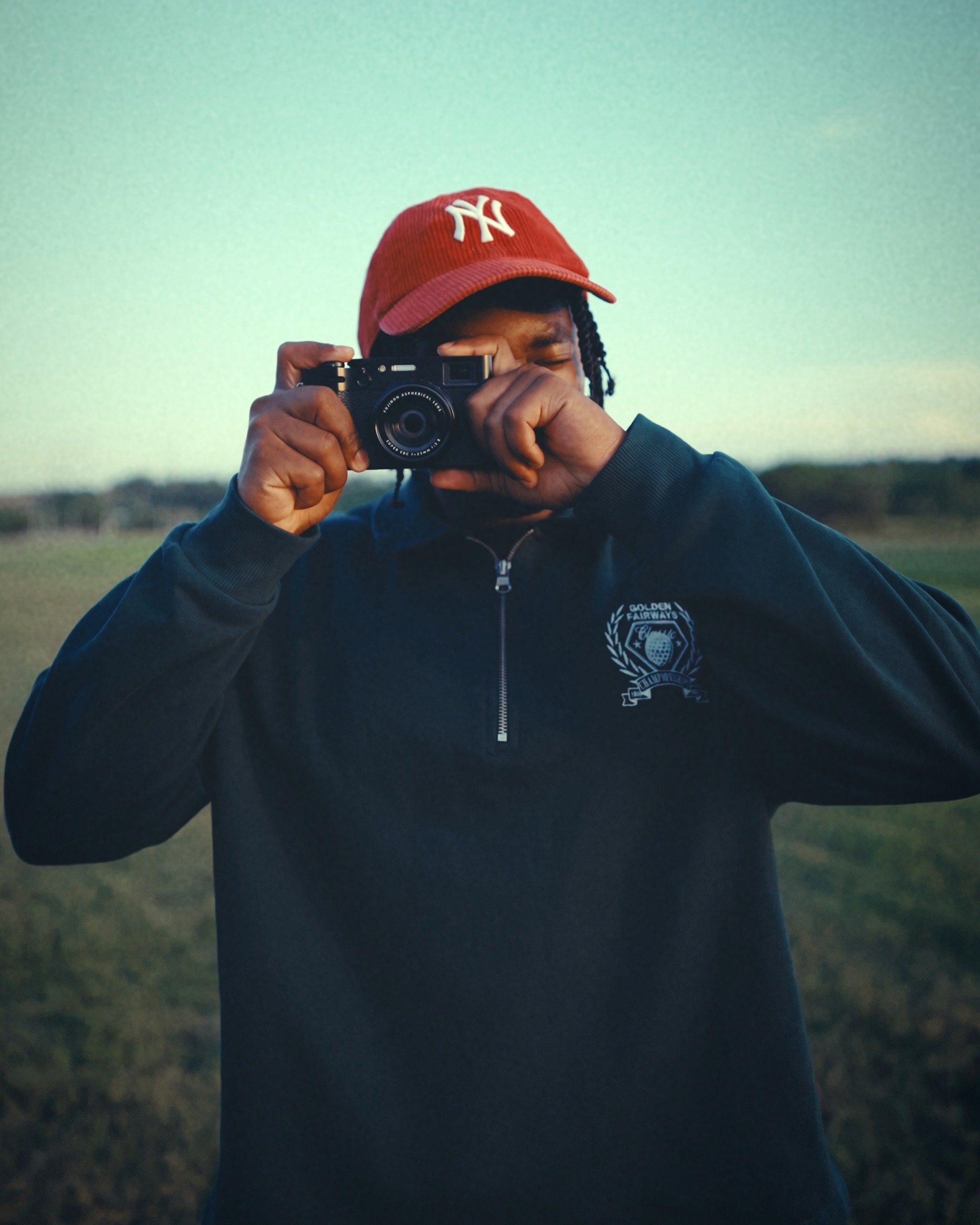
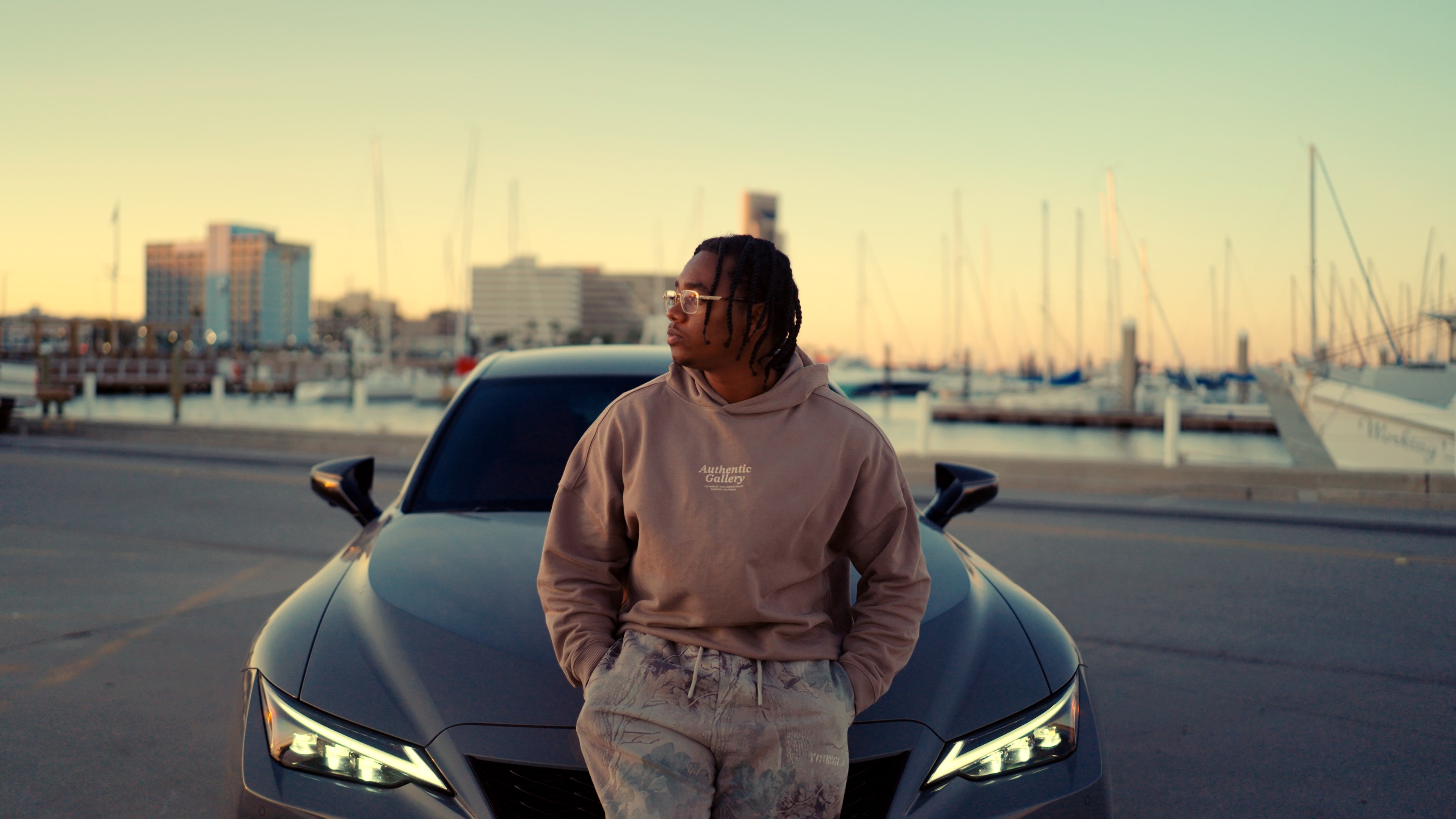
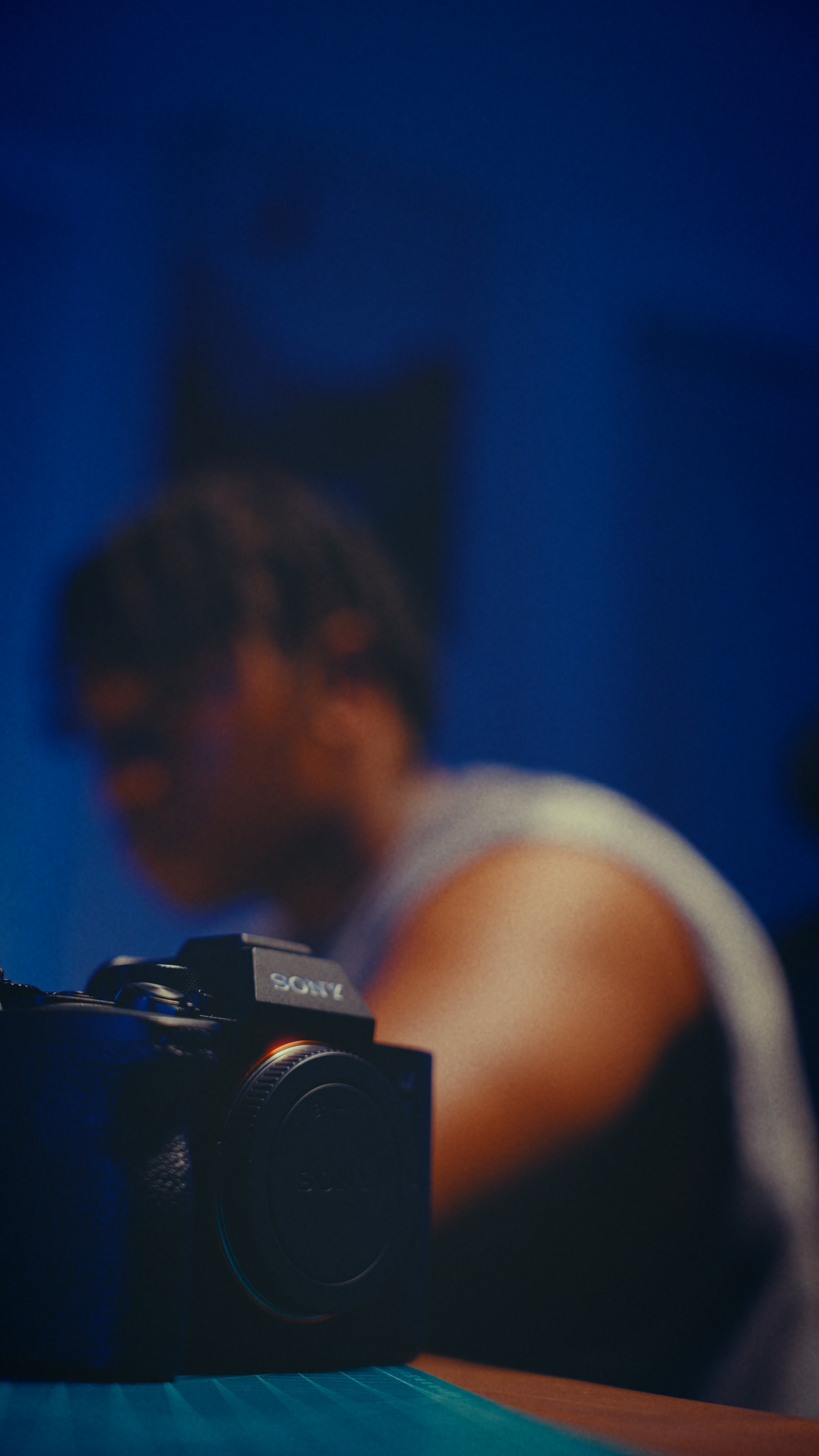
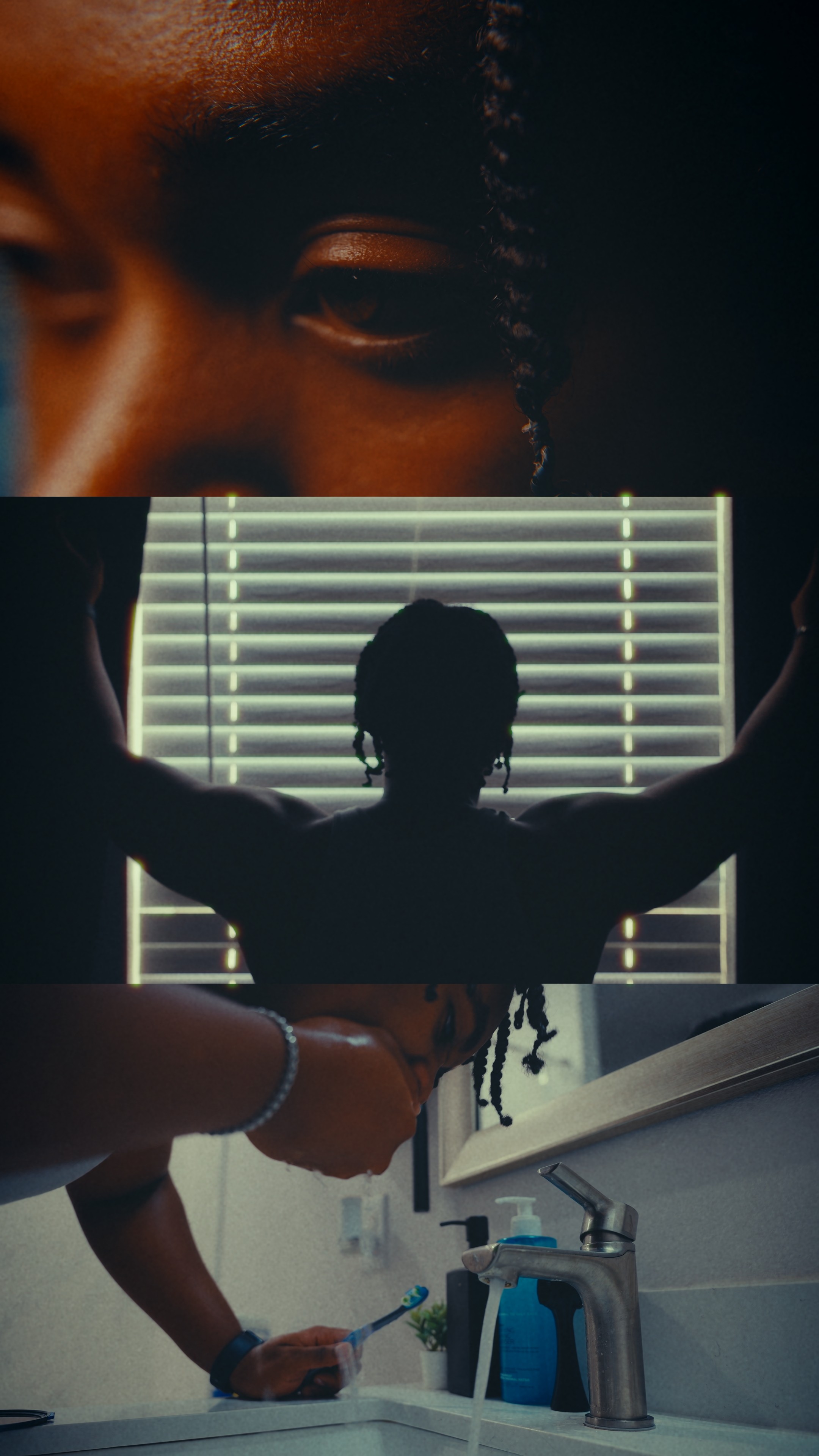
Find the right look
for your footage.

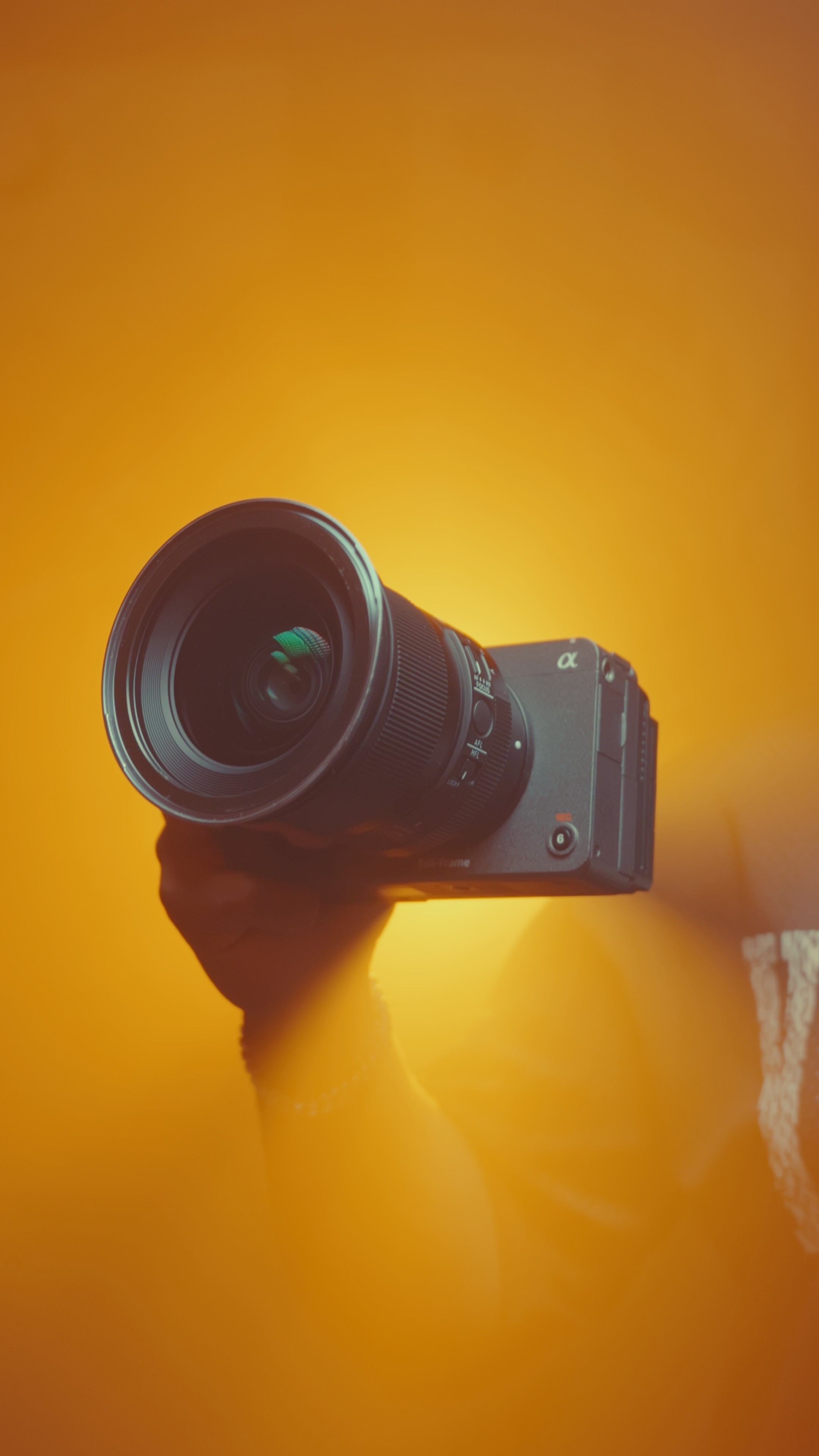
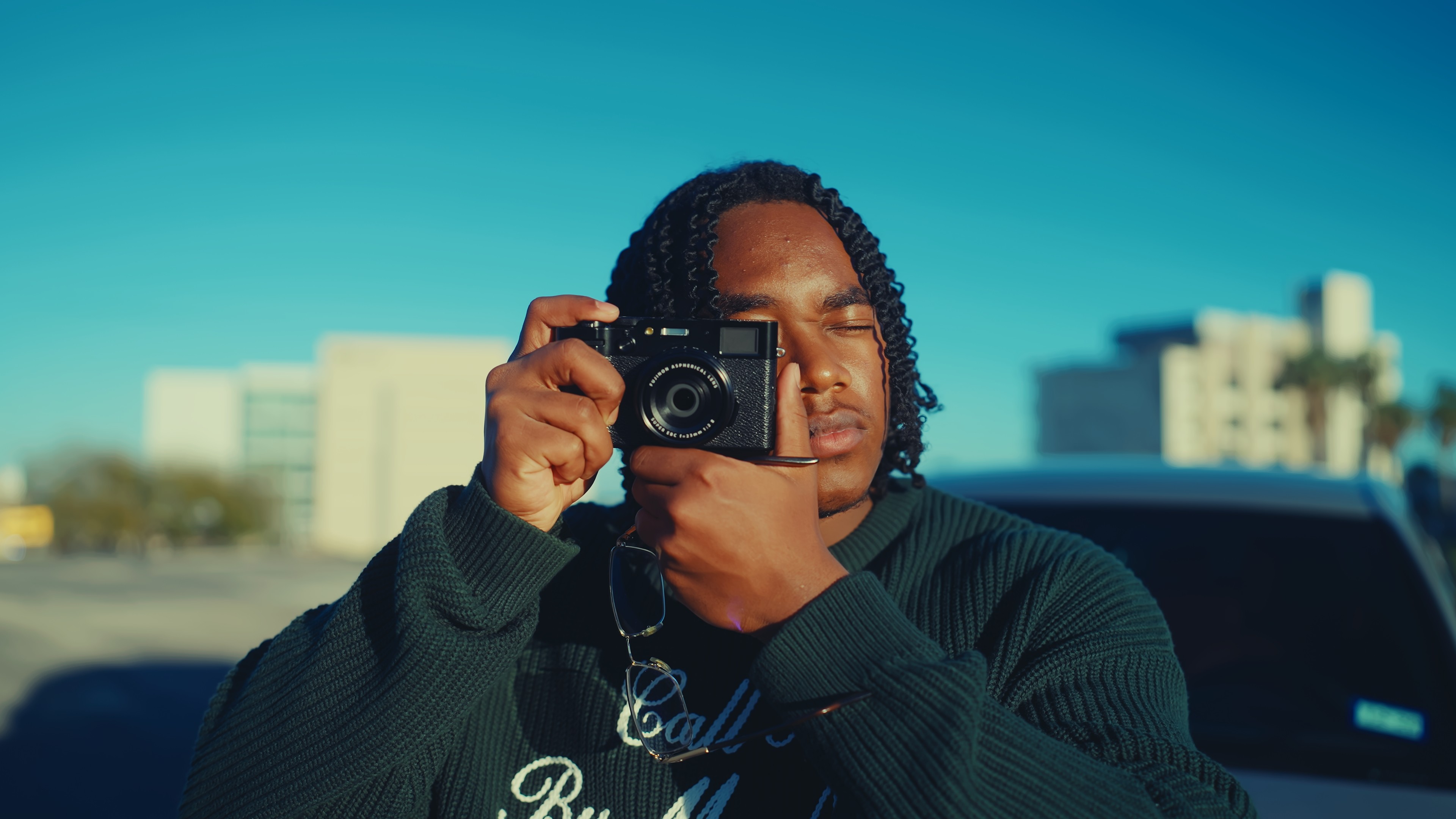
A cinematic LUT collection built for different styles, workflows, and creator needs.
helping you shape mood, add depth, and finish your edits faster.


LUT ONE

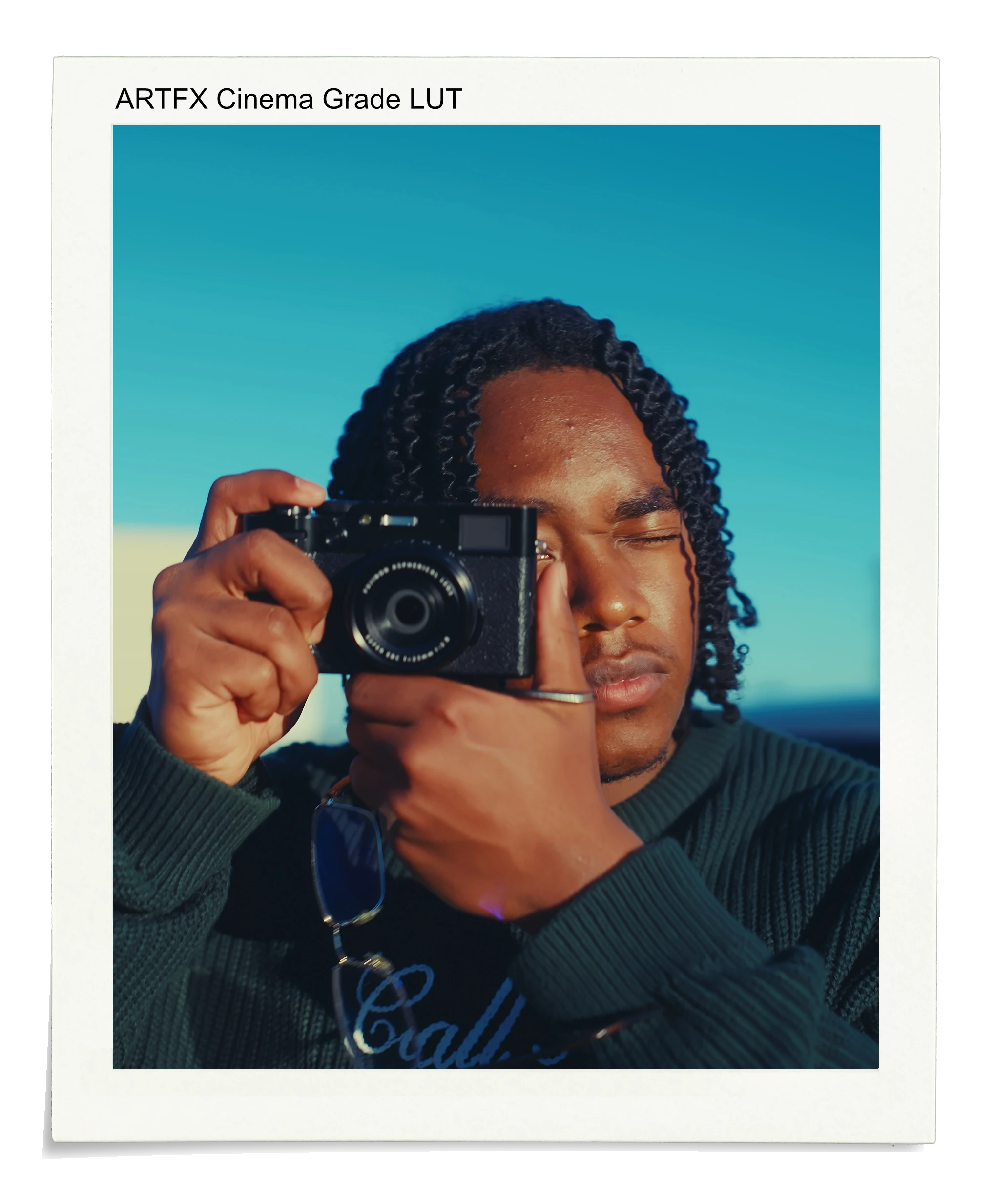
ARTFX Cinematic LUT Colour in action
Compatible Software

Note: CapCut does not support .cube LUT files at the professional level these are designed for. For best results, use Premiere Pro, DaVinci Resolve, and Final Cut Pro.

01 - ARTFX Cinematic LUT

Arthur’s most-used LUT. The look that made people stop scrolling and ask who filmed this.

$20

$49

What's in the download

What's in the download

LOG Version LUT

Built for footage shot in any LOG profile with full tonal range, deep shadows, lifted highlights, and the complete cinematic grade.

Non-LOG Version LUT

Calibrated for footage shot in standard picture profiles so creators can get the same feel without filming in LOG.

Step-by-step tutorial

A walkthrough of Arthur’s actual workflow, including how to dial in intensity for your footage.

01

(01)

02

(01)

03

(01)

04

(01)

05

(01)

06

(01)

LUT TWO

ARTFX GYM
Cinematic LUTs

Compatible Software

Note: CapCut does not support .cube LUT files at the professional level these are designed for. For best results, use Premiere Pro, DaVinci Resolve, and Final Cut Pro.

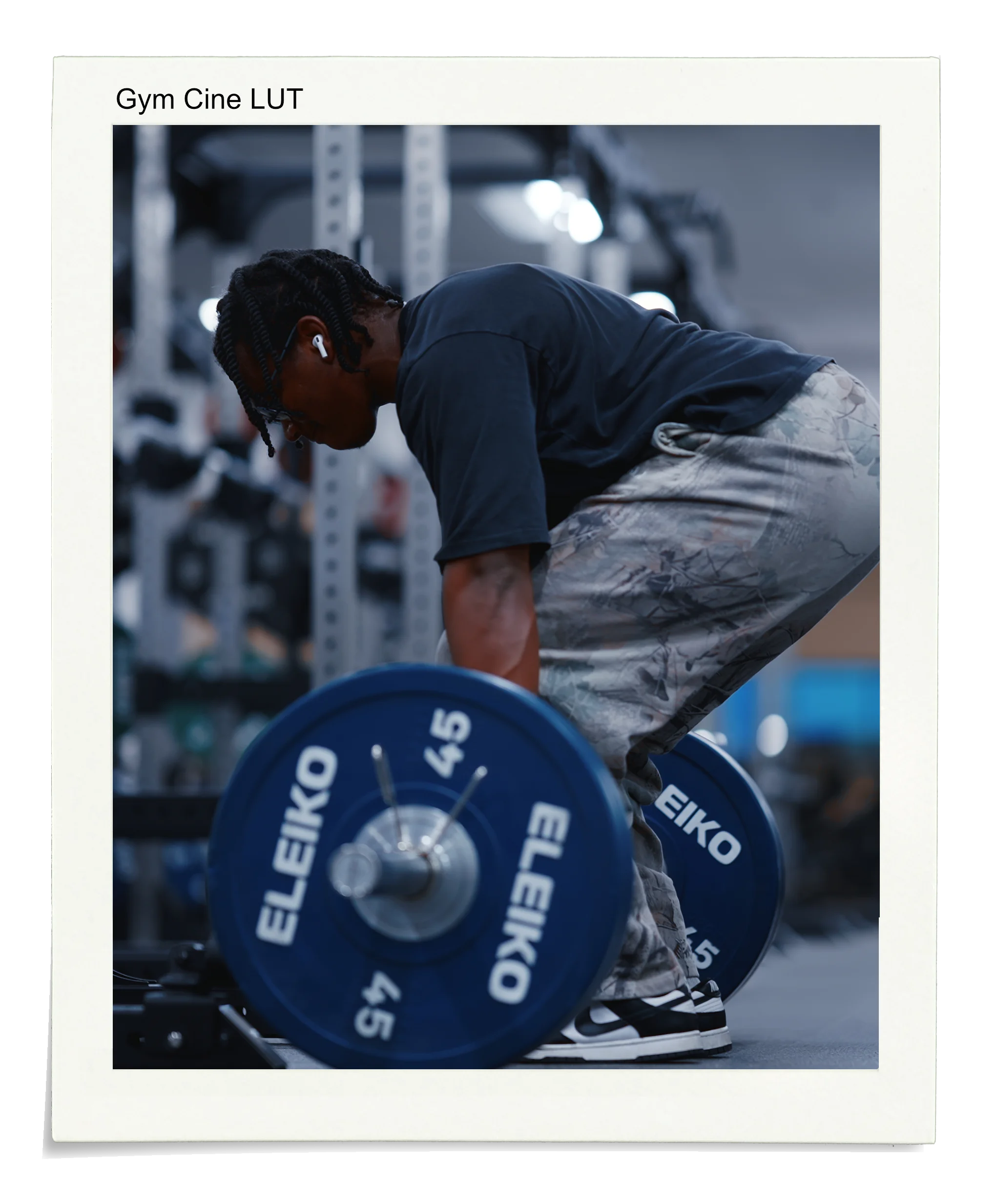
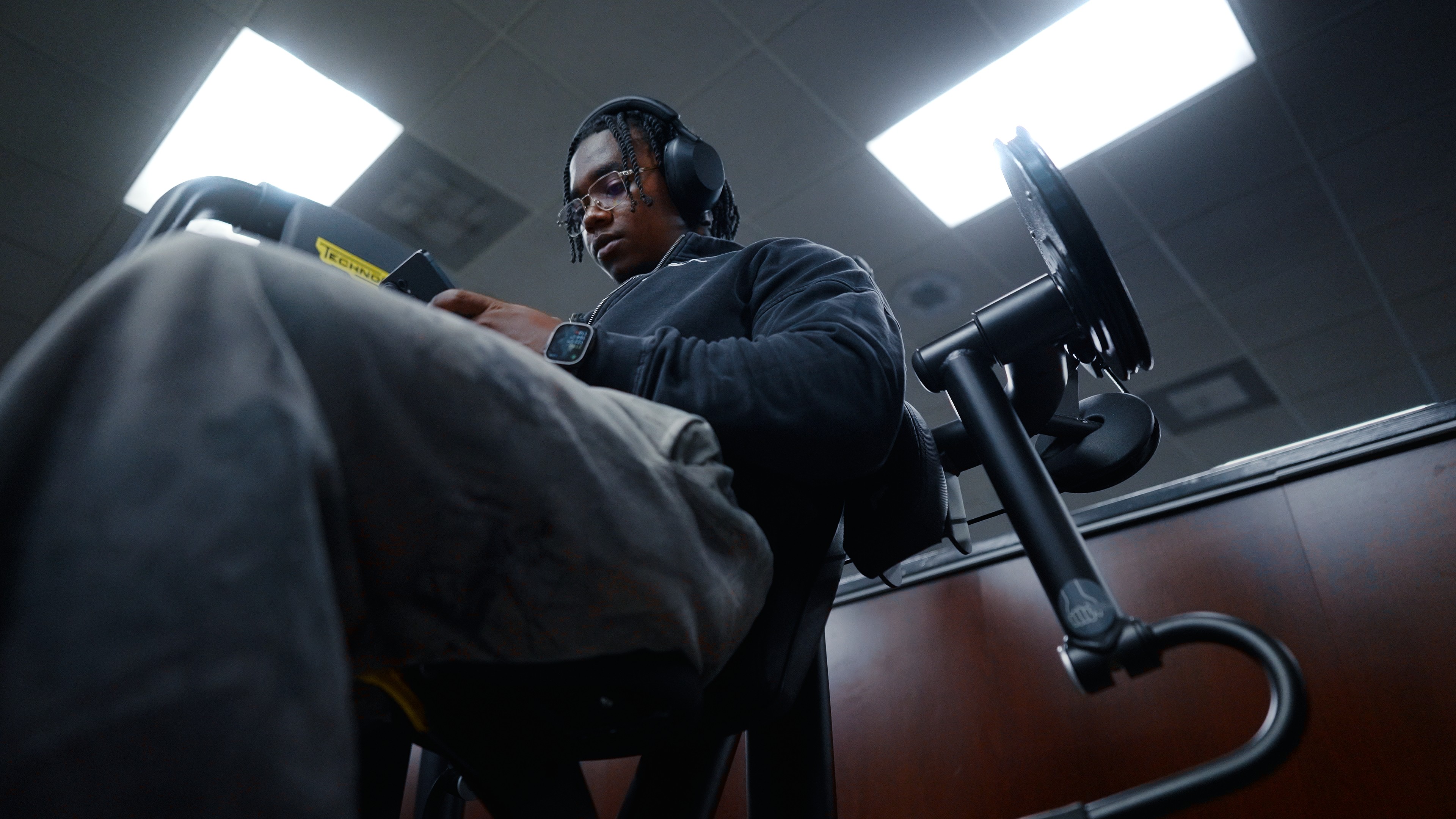
02 - ARTFX GYM Cinematic LUTs

Built for gym content and spaces that carry weight. The grade is tuned for intensity, atmosphere, and movement.

$29.99

$45

What's in the download

What's in the download

LOG Version LUT

Built for footage shot in any LOG profile with full tonal range, deep shadows, lifted highlights, and the complete cinematic grade.

Non-LOG Version LUT

Calibrated for footage shot in standard picture profiles so creators can get the same feel without filming in LOG.

Step-by-step tutorial

A walkthrough of Arthur’s actual workflow, including how to dial in intensity for your footage.

01

(01)

02

(01)

03

(01)

04

(01)

05

(01)

06

(01)

HOW IT WORKS

How to use the LUTs in five easy steps

01

Download your pack

Receive a .zip file with the LOG LUT, non-LOG LUT, and tutorial.

02

Import into your editor

Use Premiere Pro, DaVinci Resolve, or Final Cut Pro. Setup guidance is included.

03

Choose your version

If you filmed in LOG, use the LOG LUT. If you filmed in standard, use the non-LOG LUT.

04

Dial in the intensity

Start between 70% and 85% opacity, then adjust based on the exposure of your footage.

05

Fine-tune and export

Make small exposure or white balance adjustments and export for Instagram or TikTok compression.

  • 01

    Download your pack

    Receive a .zip file with the LOG LUT, non-LOG LUT, and tutorial.

  • 02

    Import into your editor

    Use Premiere Pro, DaVinci Resolve, or Final Cut Pro. Setup guidance is included.

  • 03

    Choose your version

    If you filmed in LOG, use the LOG LUT. If you filmed in standard, use the non-LOG LUT.

  • 04

    Dial in the intensity

    Start between 70% and 85% opacity, then adjust based on the exposure of your footage.

  • 05

    Fine-tune and export

    Make small exposure or white balance adjustments and export for Instagram or TikTok compression.

Testimonials

What creators are saying

LUT

Start Your Shift

Sign up to my newsletter & unlock your free LUT pack

Whether you’re shooting on an iPhone, Sony, Canon, or another setup, this free pack gives you a cinematic starting point that feels intentional from the first edit.

LUT

Start Your Shift

Sign up to my newsletter & unlock your free LUT pack

Whether you’re shooting on an iPhone, Sony, Canon, or another setup, this free pack gives you a cinematic starting point that feels intentional from the first edit.

LUT

Start Your Shift

Sign up to my newsletter & unlock your free LUT pack

Whether you’re shooting on an iPhone, Sony, Canon, or another setup, this free pack gives you a cinematic starting point that feels intentional from the first edit.